How to Book a Hospital Online: A Complete Guide for Patients
Booking a hospital visit no longer has to involve repeated phone calls or long queues. With a hospital booking app, patients can search for hospitals, check available services and plan appointments from their smartphones.
Whether you need an OPD appointment, specialist consultation, diagnostic test, health checkup or hospital admission, online healthcare services can make the process more convenient.
This guide explains how to book a hospital online and what to check before confirming your booking.
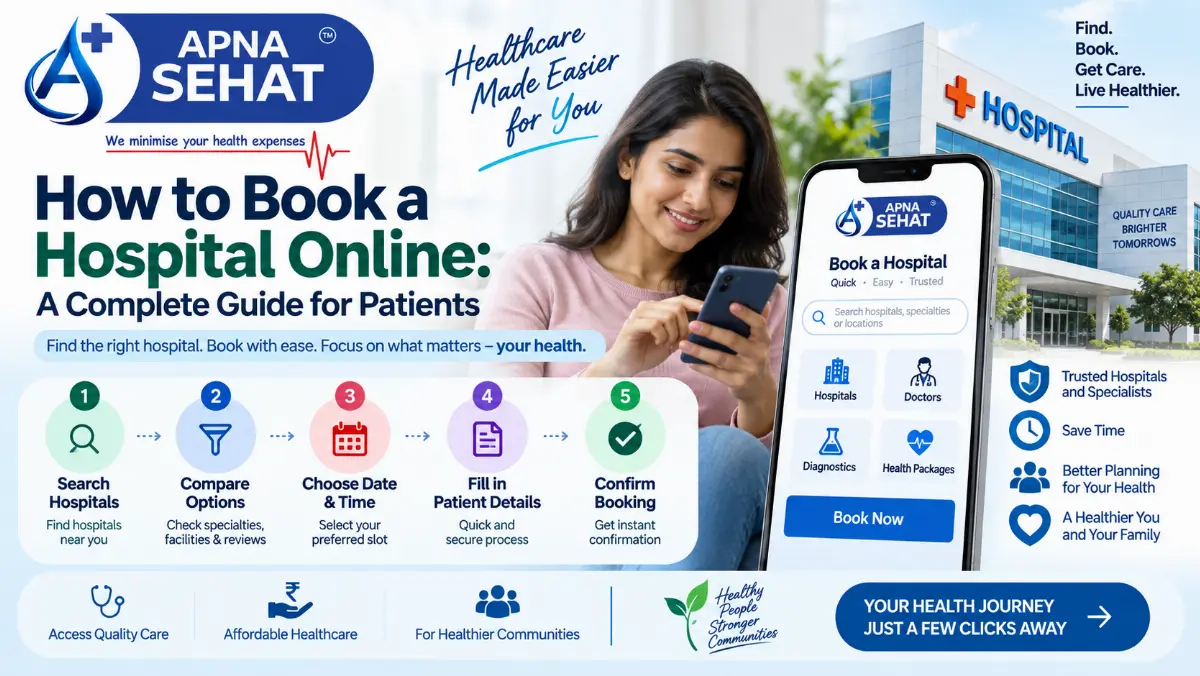
1. Decide What Healthcare Service You Need
First, identify the type of healthcare service you need.
You may need a doctor appointment, OPD consultation, diagnostic test, health checkup or hospital admission. In some cases, you may also need an emergency ambulance service.
Knowing your requirement helps you choose the right hospital department and service.
For example, a patient with ongoing heart-related concerns may need a cardiologist appointment. Someone with a suspected bone or joint problem may need an orthopedic doctor appointment.
2. Search for Hospitals Online
Start by searching for hospitals that provide the service you need.
A healthcare booking app can help you explore hospitals based on location, specialty and available services. You can search for terms such as "hospitals near me", "multi-speciality hospital near me" or "private hospital near me".
Location matters because easy access can be important for follow-up visits and urgent situations.
You can also look for options such as hospital booking in Patna, hospital booking in Ranchi or hospital booking in Jamshedpur when searching for services in specific cities.
3. Compare Hospitals Before Booking
Do not choose a hospital only because it appears first in search results.
Instead, compare important details such as the medical specialty, available departments, facilities, location, appointment options and patient information.
You may also want to check hospital treatment cost or available hospital packages when that information is provided.
A hospital comparison app can make this process easier by bringing relevant information together in one place.
4. Check the Doctor or Specialist
The right doctor can depend on your health concern.
You may need a general physician for an initial consultation or a specialist for a specific condition. Depending on your requirement, you might search for a cardiologist, oncologist, orthopedic doctor, gynecologist or neurologist.
Look at the doctor's specialty, available appointment times and consultation format before booking.
For non-emergency care, an online doctor appointment can also help you access medical advice without an unnecessary trip.
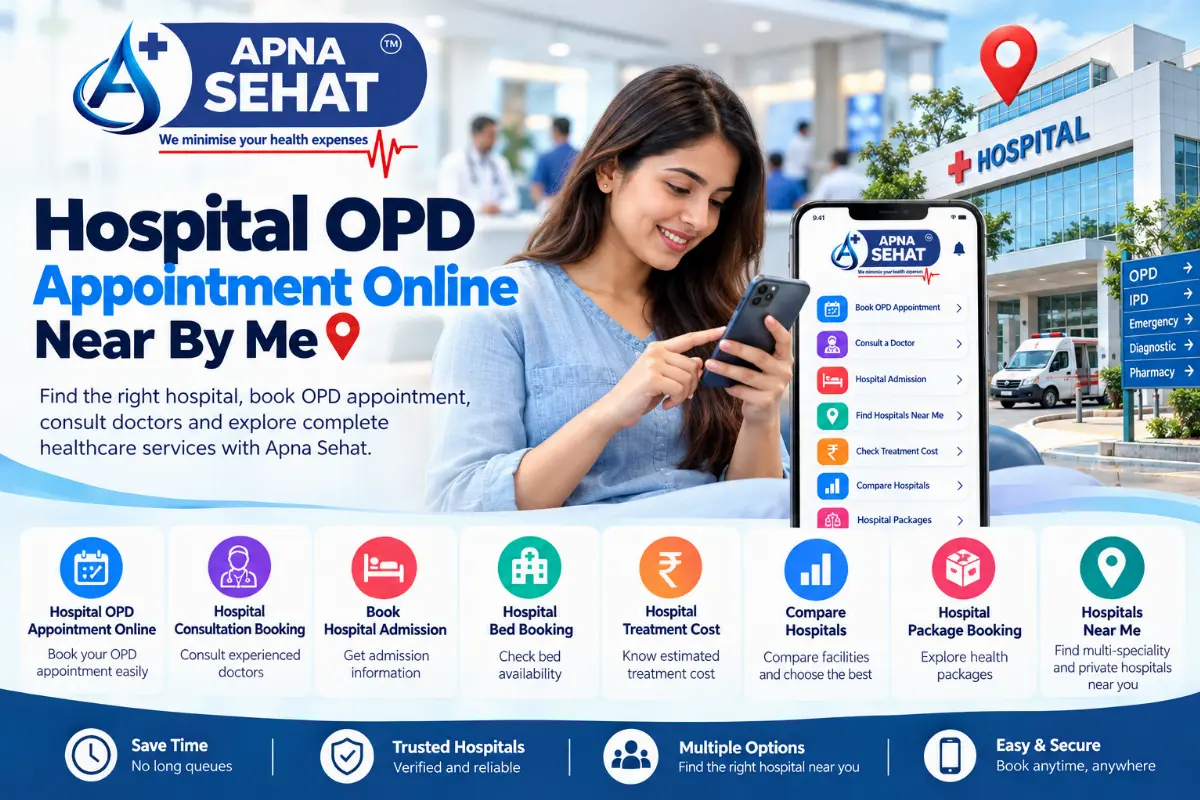
5. Book Your Hospital or OPD Appointment
Once you select a suitable hospital and doctor, check the available appointment slots.
Choose the date and time that work for you. Then enter the required patient information and review the booking details carefully.
If the service supports OPD booking online, you can book an OPD appointment through the available digital platform.
Online booking can also make it easier to keep your appointment details in one place.
6. Need Help Finding a Hospital, Doctor or Diagnostic Service?
This is where a healthcare booking app can simplify your healthcare journey.
With Apna Sehat, patients can explore healthcare services and use digital healthcare options based on the services available on the platform.
You can use the platform to explore relevant hospital, doctor and diagnostic services instead of managing every enquiry separately.
Download Apna Sehat App
Looking for a convenient way to manage healthcare services from your phone?
Download Apna Sehat App and explore available healthcare services, appointments, diagnostic options and other services offered through the platform.
Hospital service at your fingertips can make healthcare planning more convenient.
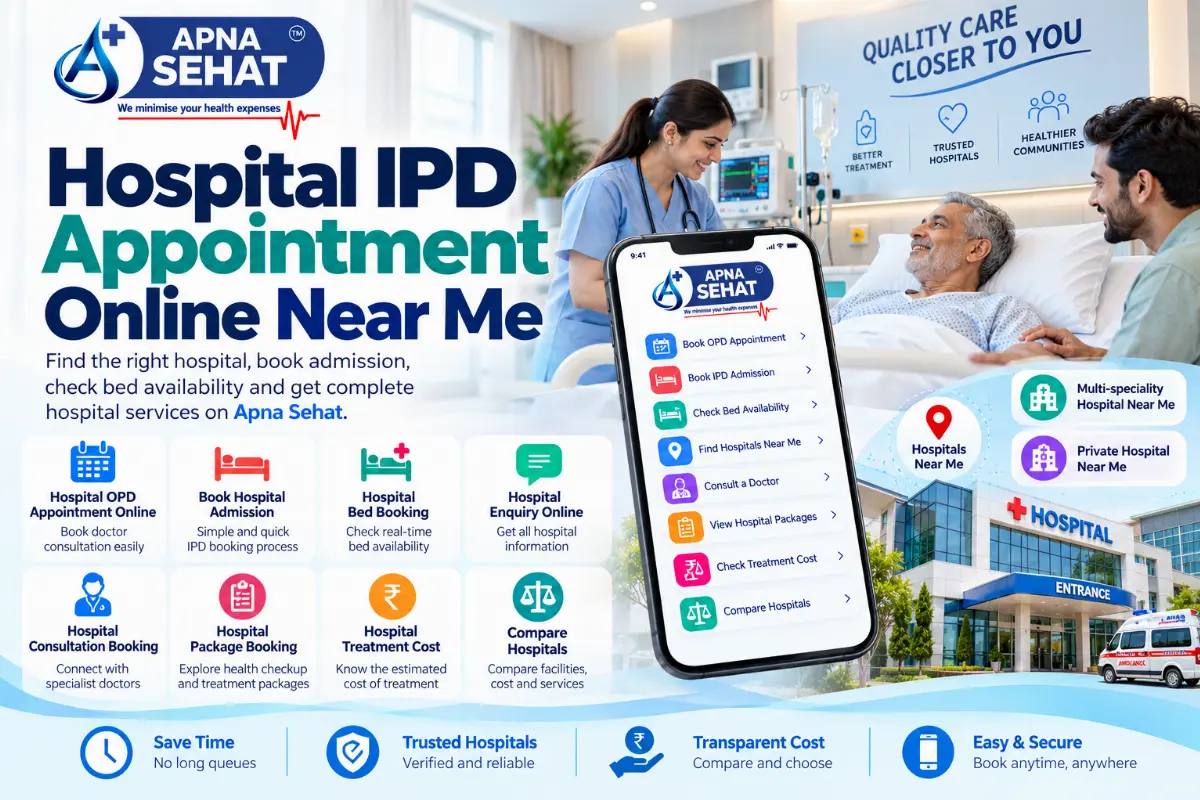
7. Hospital Admission Booking: What Should You Check?
Hospital admission is different from a routine OPD appointment.
Before you book hospital admission online, confirm the reason for admission, department, expected date and any instructions provided by the hospital.
Ask the hospital about required documents, estimated costs, room options, admission procedures and payment requirements.
If hospital bed booking is available digitally, check whether the booking represents a confirmed bed or only an enquiry request. Availability can change, so confirmation from the hospital may still be necessary.
8. Check Hospital Admission Requirements
Some hospitals may ask for identification documents, previous medical reports, prescriptions, insurance details or referral documents.
Prepare these documents before visiting the hospital.
Also, check whether the hospital requires any tests before admission. Following the hospital's instructions can help reduce delays.
For planned treatment, ask about the expected admission process before you arrive.
9. Book Diagnostic Tests Online
Many healthcare platforms also support diagnostic test booking.
You may be able to search for services such as blood test booking, pathology test booking, full body test or health checkup booking.
Some services may also offer home sample collection or blood test at home.
Before confirming a diagnostic test, check the test name, preparation instructions, price, sample collection method and report delivery details.
10. Book a Full Body Health Checkup
A full body health checkup can involve multiple tests designed according to a specific health package.
However, not every package suits every person.
Check which tests the package includes and whether you need any special preparation. If you have specific symptoms or medical concerns, discuss them with a qualified healthcare professional rather than relying only on a general health package.
11. Keep Emergency Services Separate
Online healthcare booking is useful for planned healthcare needs. Emergency situations require immediate medical attention.
If you have a medical emergency, use the appropriate emergency service in your area rather than waiting for a routine online appointment.
Searches such as "ambulance near me" or "emergency hospital near me" may help locate services, but always use your local emergency number or emergency medical service when the situation requires urgent help.
12. Check Your Booking Confirmation
After booking, carefully review the confirmation.
Check the hospital name, doctor, department, appointment date, time and location.
For diagnostic services, check the test name and sample collection details.
For admission bookings, confirm the admission date and instructions directly with the hospital when required.
Keeping a screenshot or digital copy of the confirmation can also help when you arrive.
13. What About Online Doctor Booking?
A doctor booking app can make consultations easier to arrange.
Patients may search for doctors by specialty, location or appointment availability. Depending on the service, you may find options for an online doctor appointment or an in-person consultation.
For example, patients may search for a cardiologist appointment, gynecologist appointment or neurologist appointment based on their healthcare needs.
However, online booking does not replace emergency medical care.
14. Look for Healthcare Services in Your City
Local search can make hospital booking more practical.
Patients may search for:
-
Hospital booking in Patna
-
Doctor appointment in Patna
-
Diagnostic test in Patna
-
Ambulance service in Patna
-
Hospital booking in Gaya
-
Hospital booking in Muzaffarpur
-
Hospital booking in Bhagalpur
-
Hospital booking in Purnia
-
Hospital booking in Begusarai
-
Hospital booking in Siwan
-
Hospital booking in Ranchi
-
Hospital booking in Jamshedpur
-
Doctor appointment in Ranchi
-
Diagnostic test in Ranchi
Using city and service combinations can help patients find healthcare options closer to where they live.
15. Questions to Ask Before Booking
Before confirming a hospital service, consider these questions:
-
Is this the right department for my healthcare need?
-
Does the hospital provide the required treatment or test?
-
Is the doctor available on my preferred date?
-
What documents do I need?
-
What is the expected cost?
-
Does the hospital accept my insurance or payment method?
-
Do I need a referral?
-
Do I need to prepare for a diagnostic test?
-
Is the booking confirmed or only an enquiry?
-
What should I do if I need to cancel or reschedule?
These questions can help you make a more informed booking.
16. Why Use a Hospital Booking App?
A healthcare booking app can bring several healthcare services into one digital experience.
Instead of searching separately for every service, patients may be able to explore hospital appointments, doctor consultations, diagnostic tests, health checkups and other healthcare options through one platform.
This can save time and make healthcare planning more organized.
Download Apna Sehat App
Your healthcare journey can start with a simple search.
Whether you are looking for a hospital appointment, doctor consultation, OPD booking, diagnostic test, health checkup or other available healthcare services, Apna Sehat App can help you explore digital healthcare options in one place.
Download Apna Sehat App and make healthcare services easier to discover from your smartphone.
Apna Sehat — Hospital service at your fingertips, just a click away.
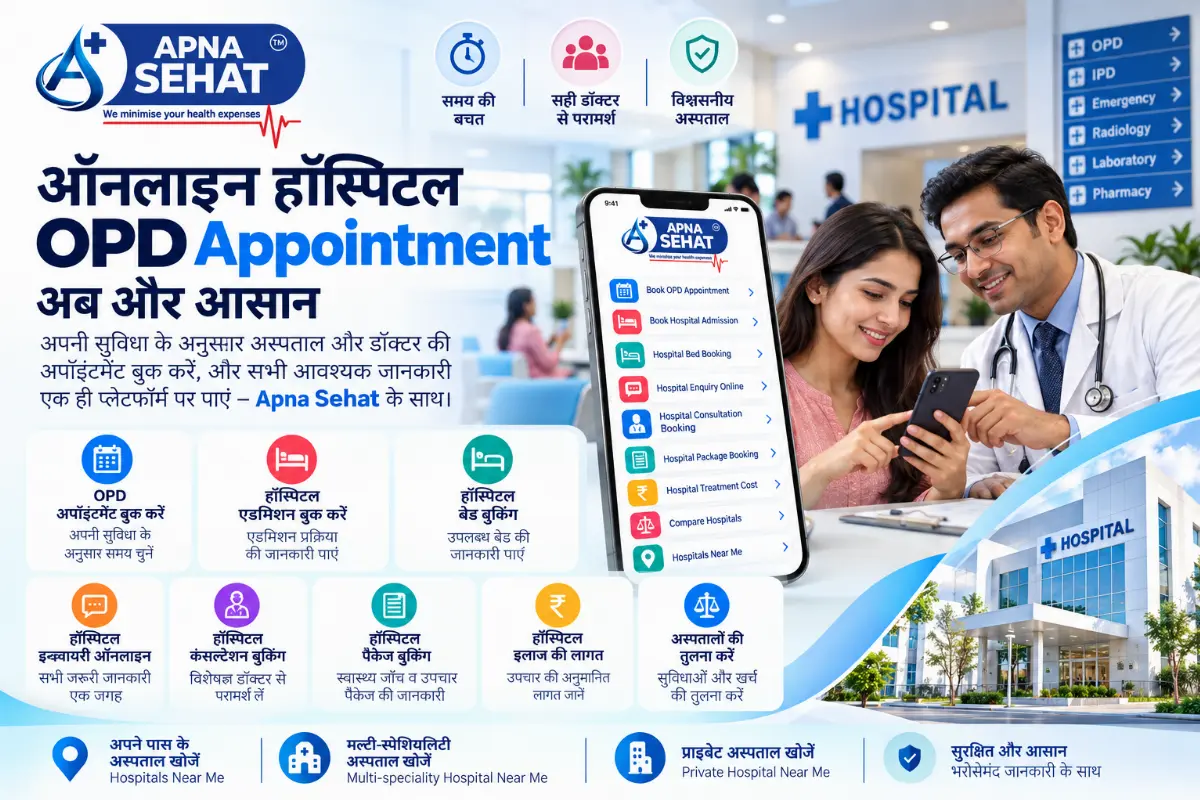
ऑनलाइन Hospital कैसे Book करें? Patients के लिए Complete Guide
आज hospital जाने से पहले कई healthcare services online explore और book की जा सकती हैं। Hospital booking app की मदद से patients hospital, doctor, OPD appointment और diagnostic services को smartphone से खोज सकते हैं।
अगर आपको hospital admission, doctor consultation, diagnostic test, health checkup या OPD appointment की जरूरत है, तो online booking process को समझना उपयोगी हो सकता है।
आइए जानते हैं कि hospital online कैसे book करें और booking से पहले किन बातों का ध्यान रखें।
1. पहले अपनी Healthcare Need समझें
सबसे पहले यह तय करें कि आपको किस service की जरूरत है।
आपको doctor appointment, OPD appointment, diagnostic test, health checkup या hospital admission की आवश्यकता हो सकती है। Emergency की स्थिति में ambulance service की जरूरत भी हो सकती है।
अपनी जरूरत स्पष्ट होने पर सही department और healthcare service चुनना आसान होता है।
2. Online Hospital Search करें
अब अपनी जरूरत के अनुसार hospitals search करें।
आप "hospitals near me", "multi-speciality hospital near me" या "private hospital near me" जैसे keywords से search कर सकते हैं।
Location भी महत्वपूर्ण है। पास का hospital follow-up visits और जरूरत पड़ने पर जल्दी पहुंचने के लिए convenient हो सकता है।
आप city-specific searches भी कर सकते हैं, जैसे Hospital booking in Patna, Hospital booking in Ranchi या Hospital booking in Jamshedpur.
3. Hospitals को Compare करें
सिर्फ search result में सबसे ऊपर दिखाई देने वाले hospital को चुनना जरूरी नहीं है।
इसके बजाय specialty, departments, facilities, location, available services, appointment options और treatment information को compare करें।
अगर available हो, तो hospital treatment cost और hospital packages की जानकारी भी देखें।
Hospital comparison app इस process को अधिक organized बना सकता है।
4. सही Doctor या Specialist चुनें
आपकी health need के अनुसार doctor की specialty अलग हो सकती है।
General health concern के लिए general physician useful हो सकता है। वहीं specific problem के लिए specialist doctor की जरूरत हो सकती है।
आप cardiologist, oncologist, orthopedic doctor, gynecologist या neurologist जैसे specialists को search कर सकते हैं।
Doctor की specialty, availability और consultation type check करने के बाद booking करें।
5. Hospital या OPD Appointment Book करें
Hospital और doctor चुनने के बाद available appointment slots देखें।
अपनी सुविधा के अनुसार date और time चुनें। फिर patient details भरें और booking information carefully check करें।
अगर OPD booking online उपलब्ध है, तो आप online OPD appointment book कर सकते हैं।
Booking details को एक जगह रखना future reference के लिए भी helpful होता है।
6. Hospital, Doctor या Diagnostic Service खोजने में मदद चाहिए?
यहीं healthcare booking app आपका healthcare journey आसान बना सकता है।
Apna Sehat के माध्यम से patients platform पर उपलब्ध healthcare services को explore कर सकते हैं।
आप hospital, doctor और diagnostic services से जुड़ी available options को एक digital platform पर देख सकते हैं।
Apna Sehat App Download करें
अगर आप smartphone से healthcare services explore करना चाहते हैं, तो Download Apna Sehat App करें।
Apna Sehat App पर available healthcare services, appointments, diagnostic options और अन्य सुविधाओं को explore करें।
Hospital service at your fingertips — just a click away.
7. Hospital Admission Booking कैसे करें?
Hospital admission सामान्य OPD appointment से अलग होता है।
Hospital admission online book करने से पहले admission का reason, department, expected date और hospital instructions confirm करें।
Hospital से required documents, estimated treatment cost, room options, admission process और payment details के बारे में पूछें।
अगर hospital bed booking online उपलब्ध है, तो यह भी check करें कि booking confirmed bed है या केवल enquiry request।
8. Admission से पहले Documents तैयार रखें
Hospital आपसे identification documents, previous medical reports, prescriptions, insurance information या referral documents मांग सकता है।
इसलिए जरूरी documents पहले से तैयार रखें।
अगर admission से पहले कोई test या preparation जरूरी है, तो hospital की instructions follow करें।
Planned treatment के लिए admission process पहले समझना unnecessary delays को कम कर सकता है।
9. Diagnostic Tests Online Book करें
आज कई healthcare platforms diagnostic test booking की सुविधा देते हैं।
आप blood test booking, pathology test, full body test या health checkup जैसे options search कर सकते हैं।
कुछ services home sample collection या blood test at home की सुविधा भी दे सकती हैं।
Booking से पहले test name, preparation instructions, price, sample collection और report delivery details check करें।
10. Full Body Health Checkup Book करें
Full body health checkup में अलग-अलग tests वाला package शामिल हो सकता है।
हालांकि हर health package हर व्यक्ति के लिए जरूरी नहीं होता।
Package में शामिल tests को ध्यान से देखें। अगर आपको specific symptoms या health concerns हैं, तो qualified healthcare professional से सलाह लें।
11. Emergency Services को अलग समझें
Online booking planned healthcare needs के लिए useful हो सकती है। Emergency में routine online appointment का इंतजार नहीं करना चाहिए।
अगर किसी व्यक्ति को medical emergency है, तो अपने local emergency medical service या emergency number का उपयोग करें।
"Ambulance near me" या "emergency hospital near me" जैसे searches nearby options खोजने में मदद कर सकते हैं, लेकिन serious emergency में तत्काल emergency assistance लेना जरूरी है।
12. Booking Confirmation जरूर Check करें
Booking के बाद confirmation details ध्यान से देखें।
Hospital name, doctor, department, date, time और location verify करें।
Diagnostic test booking में test name और sample collection details भी check करें।
Admission booking के लिए admission date और hospital instructions confirm करें।
Confirmation का screenshot या digital copy रखना भी useful हो सकता है।
13. Online Doctor Booking कैसे करें?
Doctor booking app से doctor consultation arrange करना आसान हो सकता है।
आप doctor को specialty, location या availability के आधार पर search कर सकते हैं।
जरूरत के अनुसार cardiologist appointment, gynecologist appointment या neurologist appointment जैसे options खोजे जा सकते हैं।
हालांकि emergency situation में online doctor booking का विकल्प emergency medical care का replacement नहीं है।
14. अपने City के Healthcare Services खोजें
Local searches patients को nearby healthcare services खोजने में मदद कर सकती हैं।
आप ऐसे searches कर सकते हैं:
-
Hospital booking in Patna
-
Hospital admission in Patna
-
Doctor appointment in Patna
-
Diagnostic test in Patna
-
Ambulance service in Patna
-
Hospital booking in Gaya
-
Hospital booking in Muzaffarpur
-
Hospital booking in Bhagalpur
-
Hospital booking in Purnia
-
Hospital booking in Begusarai
-
Hospital booking in Siwan
-
Hospital booking in Ranchi
-
Hospital booking in Jamshedpur
-
Doctor appointment in Ranchi
-
Diagnostic test in Ranchi
City और service को साथ में search करने से relevant healthcare options ढूंढना आसान हो सकता है।
15. Booking से पहले ये Questions पूछें
Hospital service book करने से पहले कुछ important questions consider करें:
-
क्या यह सही department है?
-
क्या hospital required treatment या test provide करता है?
-
क्या doctor आपकी preferred date पर available है?
-
कौन से documents चाहिए?
-
Expected cost कितना है?
-
क्या hospital insurance accept करता है?
-
क्या referral जरूरी है?
-
Diagnostic test से पहले कोई preparation चाहिए?
-
Booking confirmed है या केवल enquiry?
-
Cancellation या rescheduling कैसे होगी?
इन सवालों से आप healthcare booking को अधिक informed तरीके से कर सकते हैं।
16. Hospital Booking App क्यों इस्तेमाल करें?
Healthcare booking app कई healthcare services को एक digital experience में ला सकता है।
Patients hospital appointment, doctor consultation, OPD booking, diagnostic test और health checkup जैसे options एक ही platform पर explore कर सकते हैं।
इससे healthcare planning अधिक organized और convenient हो सकती है।
Download Apna Sehat App
Healthcare journey एक simple search से शुरू हो सकती है।
अगर आपको hospital appointment, doctor consultation, OPD booking, diagnostic test, health checkup या अन्य available healthcare services की जरूरत है, तो Apna Sehat App पर available options explore करें।
Download Apna Sehat App और smartphone से healthcare services को आसानी से discover करें।
Apna Sehat — Hospital service at your fingertips, just a click away.